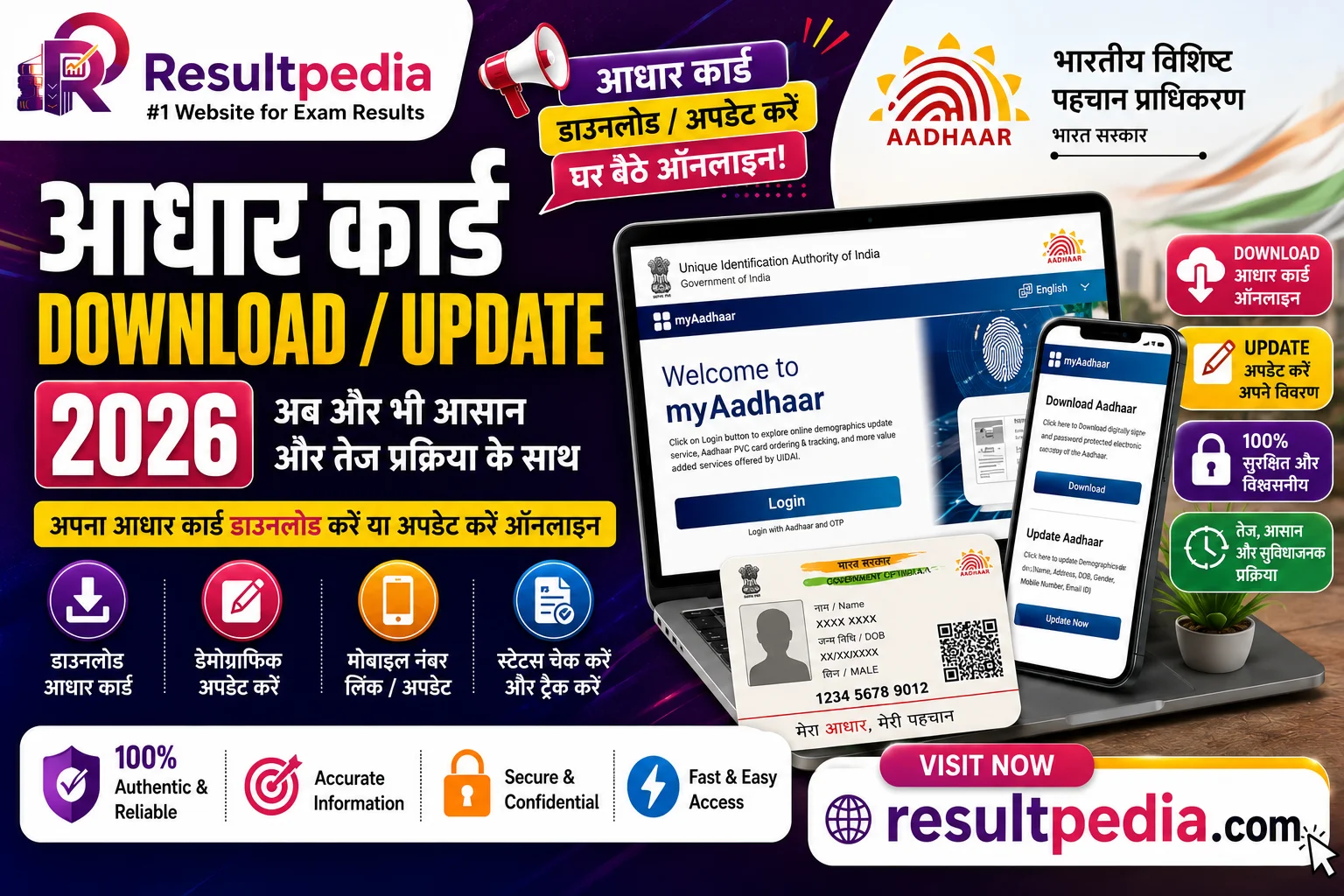
Quick highlights for Aadhaar Card Download & Update 2026 — e-Aadhaar, Address & Mobile — recruiting body, post, vacancies, eligibility, salary, and key dates at a glance.
Recruiting Body
Unique Identification Authority of India
Post / Position
Aadhaar — e-Aadhaar Download, Demographic Update & Status
Application Mode
Online
Eligibility
Existing Aadhaar holder: A valid Aadhaar number + an Aadhaar-linked mobile (for OTP) to use online self-service download / update.
New enrolment: New Aadhaar enrolment must be done in person at an Aadhaar Seva Kendra / enrolment centre with proof of identity + address.
Advertisement
Application Fee
Application fee by category for Aadhaar Card Download & Update 2026 — e-Aadhaar, Address & Mobile
Category
Fee
Payment Mode
e-Aadhaar download
₹0
Free from myAadhaar / UIDAI as a password-protected PDF.
Online demographic update
₹50
Approx ₹50 per online update request (verify current UIDAI fee). Periodic free document-update drives may apply.
Update at Aadhaar Seva Kendra
—
Biometric / mobile-number update at a centre carries the prescribed UIDAI fee — verify current rates.
Eligibility & Age Limit
Educational Qualification:
Existing Aadhaar holder: A valid Aadhaar number + an Aadhaar-linked mobile (for OTP) to use online self-service download / update.
New enrolment: New Aadhaar enrolment must be done in person at an Aadhaar Seva Kendra / enrolment centre with proof of identity + address.
Nationality: Aadhaar is for residents of India (12-month residency rule). It is an identity number, not a citizenship proof.
Selection Process
Download e-Aadhaar — On myAadhaar (or the mAadhaar app), log in with your Aadhaar + OTP, then download the e-Aadhaar PDF (open it with your password: first 4 letters of name in CAPS + birth year).
Online demographic update — Use the "Update Aadhaar" service to change address / name / DOB / gender online, upload a valid supporting document, pay the fee + note the URN (Update Request Number).
Biometric / mobile update — For fingerprint / iris / photo updates or to change your registered mobile number, book + visit an Aadhaar Seva Kendra in person (these cannot be done online).
Track status — Check the update status with your URN on myAadhaar. Once approved, re-download the updated e-Aadhaar.
Negative marking: Not applicable (citizen service).
How to Apply Online
Visit the official portal of UIDAI (linked in Important Links below).
Register with a valid email and mobile number to generate login credentials.
Fill the application form with personal, educational, and contact details exactly as on official documents.
Upload a recent passport-size photograph and signature in the prescribed format and size.
Pay the application fee through the prescribed payment mode (see Application Fee table above).
Review all entries carefully, then submit the form.
Download and print a copy of the submitted application for your records.
Resultpedia is independent and not affiliated with Unique Identification Authority of India.
The official application link is in the Important Links section at the bottom of this page — verify all details on the official portal before applying.
Related Pages You May Want to See
Before you head to the official portal — these related Resultpedia pages cover sibling cycles, the same conducting body, or comparable cadres.
Go to myaadhaar.uidai.gov.in (or the mAadhaar app), log in with your Aadhaar number + the OTP on your linked mobile, and click "Download Aadhaar". Open the PDF with your password — the first 4 letters of your name in CAPITALS + your birth year (e.g. RAVI1998).
Aadhaar mein address online kaise update kare?
On myAadhaar → "Update Aadhaar" → select Address → enter the new address → upload one valid proof-of-address document → pay the fee → submit. Note the URN (Update Request Number) to track the request; the update typically reflects within a few weeks.
Aadhaar update ki fees kitni hai?
e-Aadhaar download is free. An online demographic update (address, name, DOB etc.) costs approximately ₹50 per request, and updates at an Aadhaar Seva Kendra carry the prescribed UIDAI fee. UIDAI sometimes runs free document-update drives — check the current offer on myAadhaar.
Aadhaar mein mobile number kaise change kare?
Changing your registered mobile number cannot be done online — you must visit an Aadhaar Seva Kendra in person, give your new number + biometric verification, and pay the prescribed fee. Once updated, you can use that number for future OTP-based services.
Aadhaar OTP kisi ke saath share karna safe hai kya?
No — never share your Aadhaar OTP with anyone. UIDAI, banks + genuine services never ask for it over a call or message. Sharing the OTP can let fraudsters access Aadhaar-linked services. For extra safety, lock your biometrics + use a Virtual ID (VID) or Masked Aadhaar where the full number is not required.
Naam ya DOB galat hai to kaise theek kare?
You can correct your name + date of birth online on myAadhaar by uploading a valid supporting document (e.g. a government ID / certificate). Note that name + DOB updates may be allowed only a limited number of times in a lifetime per UIDAI rules, so enter the correct details + a clear document.
Bachche ka Aadhaar (Bal Aadhaar) kaise banta hai?
A child's Bal Aadhaar is enrolled in person at an Aadhaar Seva Kendra using the child's birth certificate + a parent's Aadhaar (no child biometrics under age 5). The child's biometrics must be updated at ages 5 + 15 for the Aadhaar to stay valid — these mandatory biometric updates are free.
Aadhaar update status kaise check kare?
Use your URN (Update Request Number) on the "Check Update Status" service on myAadhaar to see whether your request is processed. Once it shows complete, log in + re-download the updated e-Aadhaar PDF.
AADHAAR DOWNLOAD & UPDATE 2026 — e-AADHAAR, ADDRESS, MOBILE
You can download your e-Aadhaar and update most details online through the UIDAI myAadhaar portal + the mAadhaar app. Some changes — biometrics + your registered mobile number — must be done in person at an Aadhaar Seva Kendra.
What you can do online vs at a centre
Online (self-service): download e-Aadhaar, and update demographic fields like address, name, date of birth, gender + email — using an OTP on your Aadhaar-linked mobile. At a centre: any biometric update (fingerprint, iris, photo) and changing your registered mobile number require an in-person visit, since they need fresh biometric capture or verification.
Download e-Aadhaar (PDF password = first 4 letters of name in CAPS + birth year).
For address / name / DOB → "Update Aadhaar" → upload a valid document → pay → note the URN.
For biometrics / mobile change → book + visit an Aadhaar Seva Kendra.
Protect your Aadhaar
Use only uidai.gov.in / myAadhaar. Never share your Aadhaar OTP — UIDAI + banks never ask for it. Consider locking your biometrics + using a Masked Aadhaar / VID where full Aadhaar isn't required.
Never miss a Sarkari job againBe the first to know — new jobs, results & admit cards reach your phone the second they're out, before the last date slips by.