
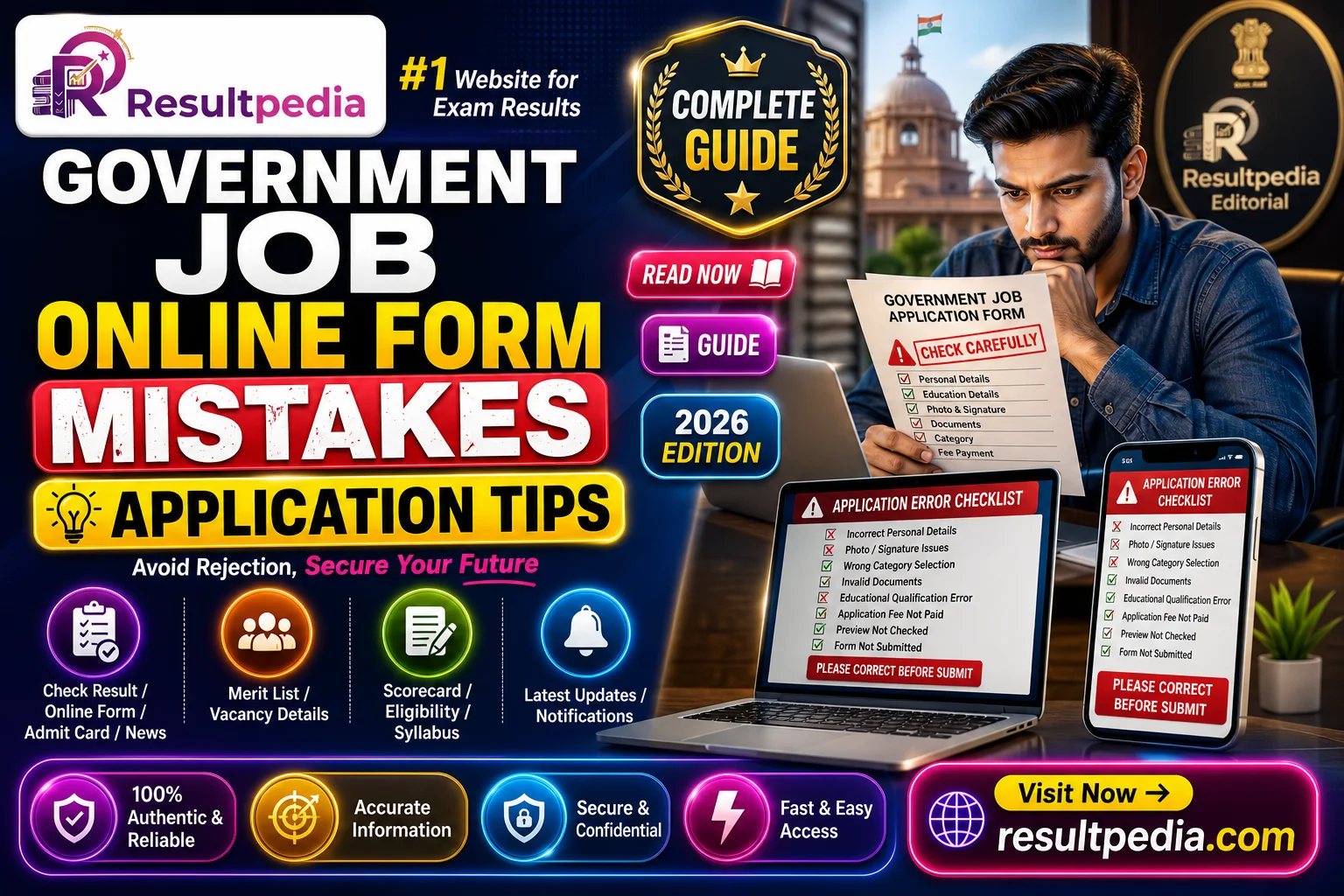
Every cycle, thousands of eligible candidates are rejected not for lacking the qualification but for an avoidable form error — a mismatched photo, a name that does not match their certificates, the wrong category, or an unpaid fee. Your name, date of birth and category must match your Class 10 and category documents exactly; the photo and signature must meet the notification's exact spec; and the fee must be paid and the final submit clicked. Never wait for the last day. This guide lists the 12 mistakes that most often sink applications and a pre-submit checklist to avoid them.
By Muskaan Chauhan, Senior Editor — Strategy & Prep. Published 25 June 2026. Last verified 25 June 2026.
In short
- Most rejected government job applications fail on avoidable form errors, not eligibility — a mismatched photo, a name that does not match your certificates, the wrong category, or an unpaid fee.
- Your name, date of birth and category on the form must match your 10th certificate and caste/category documents exactly — even small differences can cause rejection at verification.
- Photo and signature must meet the notification's exact size and format; a wrong spec is one of the most common reasons forms are rejected.
- Never wait for the last day. Pay the fee, verify it went through, and click the final submit — an unpaid or un-submitted form does not count, no matter how complete it looks.
Every recruitment cycle, thousands of eligible candidates are rejected not because they lacked the qualification, but because of a mistake in the online form. The form is the one part of the process entirely within your control — and the one most often rushed. This guide walks through the mistakes that most commonly sink applications and how to avoid each, so a careless slip never costs you a seat you were qualified for.
1. Name, date of birth and details that don't match your certificates
Your form details must match your official documents — especially your Class 10 certificate, which most recruiters treat as the authority for your name and date of birth. A spelling variation, a missing middle name, or a different date format can trigger rejection at document verification. Fill exactly as printed on your certificate; do not "correct" or shorten anything.
2. Wrong category selection
Selecting the wrong category (General/EWS/OBC/SC/ST) — or claiming a reservation you cannot document — is a frequent, fatal error. Choose the category that matches your valid certificate, and make sure that certificate is in the correct format and current validity the notification demands. If you are an OBC candidate, confirm you have the right non-creamy-layer certificate; for EWS, the EWS certificate; for state jobs, the right domicile certificate.
3. Photo and signature that don't meet the spec
Photo and signature uploads have strict specifications — dimensions, file size, format, background, and how recent the photo is. A photo that is too large, too small, blurry, or has the wrong background is one of the single most common rejection causes. Read the notification's exact requirements, scan accordingly, and keep a correctly-sized copy ready before you start. Some exams also need your name and date printed below the photo — check.
4. Mismatched or unclear scanned documents
When you upload supporting documents, they must be clear, complete and consistent with what you entered. A cropped certificate, an unreadable scan, or a document whose details contradict the form invites rejection. Scan in good light, keep file sizes within limits, and double-check each upload opens correctly.
5. Not paying — or not confirming — the fee
A form is not submitted until the fee is paid (where a fee applies). Payment can fail silently: the money leaves your account but the transaction does not register, or you close the page before confirmation. Always wait for the success message, save the payment receipt/transaction ID, and re-open the form to confirm the fee status shows as paid.
6. Skipping the final submit
A saved draft is not an application. Many portals let you save and return, and candidates assume a filled form is a submitted one. Until you click final submit and see the confirmation/registration number, your form does not exist for the recruiter. Complete the submission and download the confirmation page.
7. Leaving it to the last day
Application servers are busiest — and slowest or crash-prone — in the final hours before the deadline. A last-day attempt risks payment failures, upload timeouts and an incomplete form you cannot fix in time. Apply several days early; if a correction window exists, you will still have time to use it. Extensions are common but never guaranteed, so never bank on one.
8. Wrong or careless exam-centre choice
Where the form asks for exam-city preferences, choose realistically. Centres fill on a first-come basis, so applying early improves your chance of a nearby centre. A distant allotted centre because you applied late is an avoidable stress on exam day.
9. Using an inactive email or mobile number
Your email and mobile are the recruiter's only channel for admit cards, corrections and updates. Use an active address and number you check regularly, and avoid changing them mid-cycle. Important notices and OTPs go there; a dead inbox means missed deadlines.
10. Ignoring eligibility fine print
Before you spend time on the form, confirm you actually meet the age, qualification and any physical or experience criteria as on the cut-off date stated in the notification. Age limits, in particular, are calculated as on a specific date, and age relaxation rules differ by category — see our age relaxation guide. Applying when ineligible wastes the fee and the effort.
11. Not saving your registration details
Once submitted, save your registration/application number, password and the confirmation PDF. You will need them for the admit card, corrections and result. Losing them mid-cycle creates needless trouble at exactly the wrong moments.
12. Not reading the notification fully
Almost every mistake above traces back to one root cause: not reading the official notification carefully. It specifies the exact photo size, fee, category formats, cut-off dates and document list. Reading it end-to-end before you begin — and keeping it open while you fill — prevents the great majority of rejections.
A quick pre-submit checklist
Before you hit final submit, confirm:
- Name, DOB and parents' names match your Class 10 certificate exactly.
- Category is correct and backed by a valid certificate.
- Photo and signature meet the notification's spec.
- All uploaded documents are clear and consistent.
- Fee paid and the receipt saved.
- Final submit clicked and the confirmation page downloaded.
- Registration number and password saved safely.
The same care you bring to the form, bring later to document verification — the two stages where qualified candidates most often slip.
Why this matters
The online form is the most controllable step in the whole recruitment process — and the one where a careless error costs the most, because it ends your candidature before you ever sit the exam. Read the notification fully, match every detail to your certificates, meet the photo and fee requirements, apply early, and confirm the final submission. Get the form right and you keep every chance your preparation has earned. To find forms open right now, start at the jobs board, and to choose which exam to target, compare SSC vs banking vs railway.
Online Form Mistakes: हिंदी सारांश
ज्यादातर सरकारी आवेदन योग्यता की कमी से नहीं, बल्कि फॉर्म की गलतियों से रद्द होते हैं। मुख्य गलतियाँ: नाम/जन्मतिथि/श्रेणी का प्रमाणपत्रों से मेल न खाना (विशेषकर 10वीं प्रमाणपत्र), फोटो/हस्ताक्षर का सही स्पेसिफिकेशन न होना, गलत श्रेणी, शुल्क का भुगतान न होना या पुष्टि न करना, और फाइनल सबमिट न करना। आखिरी दिन का इंतज़ार न करें — सर्वर धीमा/ठप हो सकता है, और एक्सटेंशन की गारंटी नहीं होती। समाधान: आधिकारिक अधिसूचना पूरी पढ़ें, हर विवरण प्रमाणपत्र के अनुसार भरें, शुल्क की रसीद सुरक्षित रखें, फाइनल सबमिट करके पुष्टि पेज डाउनलोड करें, और रजिस्ट्रेशन नंबर/पासवर्ड संभालकर रखें।