
Table Of Contents
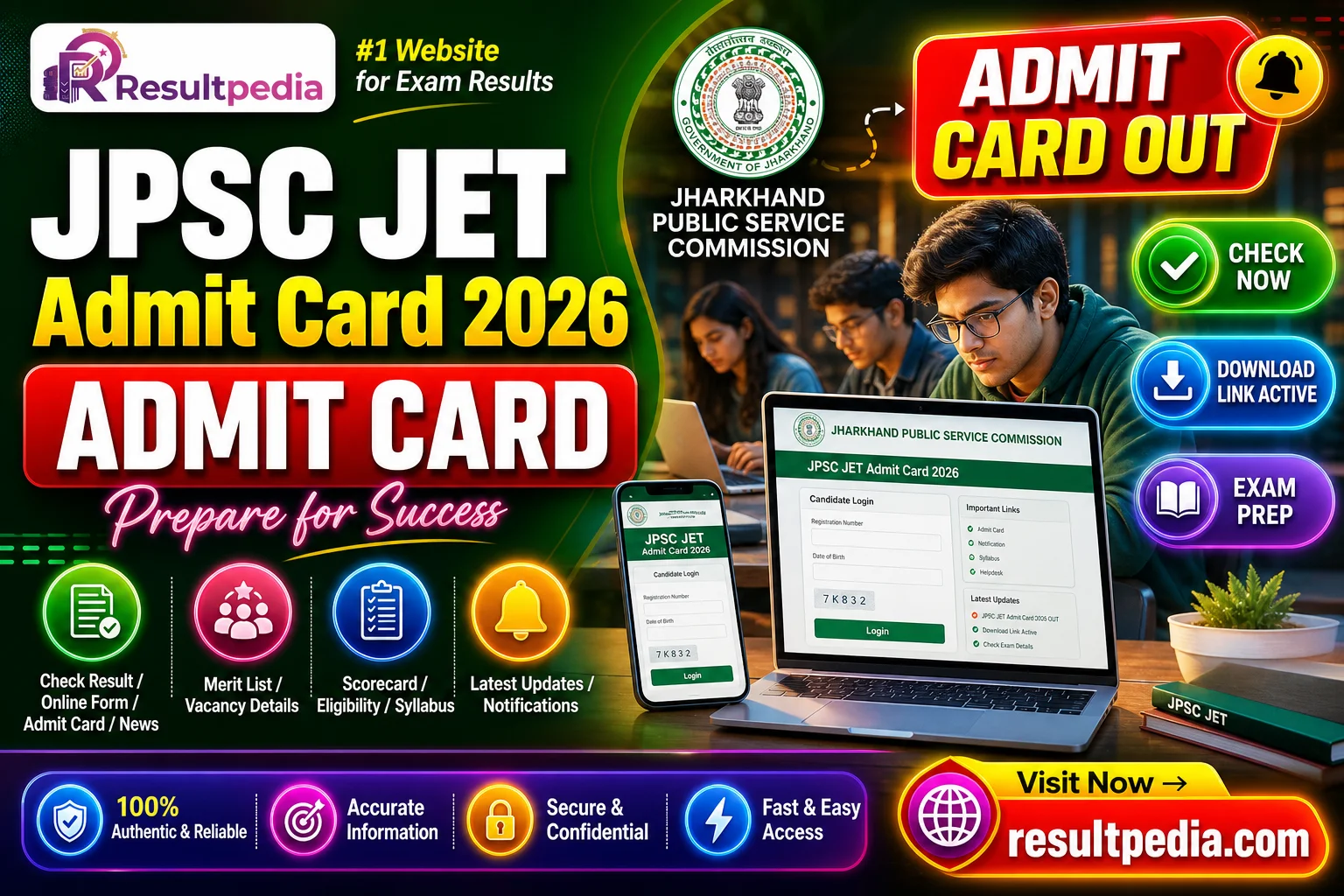
How to Download Your Admit Card
- Visit the official portal of JPSC — the official link is in the Important Links section at the bottom of this page.
- Click on the admit card / e-admission certificate link for JPSC JET Admit Card 2026 — Direct Link Active.
- Enter your Registration Number / Roll Number + Date of Birth + the displayed CAPTCHA.
- Download the PDF and print on A4 — keep at least 3 copies.
- Verify all details (name, photo, exam centre, shift). Report any discrepancy to the recruiter immediately.
- Carry the printed admit card + a valid photo ID (Aadhaar / PAN / Driving Licence) to the centre.