By Vishal Thakur, Senior Editor — Central Recruitment
Published
Last verified
Important Dates
Important dates for UPSSSC Junior Assistant / Clerk Document Upload 2026 — DV Notice at upsssc.gov.in
Event
Date
Document Upload Window Opens
Per UPSSSC DV notice
Document Upload Closes
See official notice — upload before this dateLast Date
Document Scrutiny
By UPSSSC after upload
Final Selection / Recommendation
Per UPSSSC schedule
Advertisement
UPSSSC Junior Assistant / Clerk Document Upload 2026 — DV Notice at upsssc.gov.in — Highlights
Quick highlights for UPSSSC Junior Assistant / Clerk Document Upload 2026 — DV Notice at upsssc.gov.in — recruiting body, post, vacancies, eligibility, salary, and key dates at a glance.
Junior Assistant / Clerk Grade-II: Eligibility is as per the original UPSSSC notification — typically Class-12 (Intermediate) pass + a Hindi/English typing speed + CCC computer certificate + a valid PET score. The document-upload stage does not change eligibility.
Age Limit
18–40 years (as on Per the original UPSSSC Junior Assistant / Clerk notification reckoning.)
Advertisement
Application Fee
Application fee by category for UPSSSC Junior Assistant / Clerk Document Upload 2026 — DV Notice at upsssc.gov.in
Category
Fee
Payment Mode
Document Upload
₹0
No fee for the document-upload / DV stage. Verify on the official notice.
Eligibility & Age Limit
Age Limit:
18–40 years
as on Per the original UPSSSC Junior Assistant / Clerk notification reckoning.
Per UP government rules (OBC/SC/ST + other state categories) as in the original advertisement.
Educational Qualification:
Junior Assistant / Clerk Grade-II: Eligibility is as per the original UPSSSC notification — typically Class-12 (Intermediate) pass + a Hindi/English typing speed + CCC computer certificate + a valid PET score. The document-upload stage does not change eligibility.
Nationality: Indian citizens domiciled per UP rules. This page concerns the DV / document-upload stage only.
Selection Process
Login to UPSSSC Portal — Shortlisted candidates login at upsssc.gov.in with their registration number + password / DOB.
Open Document Upload / DV — Click the "Document Upload" / "DV" link visible only to shortlisted candidates during the window.
Upload Scanned Originals — Upload clear scans of educational marksheets/certificates, category/caste certificate, domicile, identity proof, PET scorecard + typing/CCC certificate per the checklist.
Submit + Scrutiny — Submit before the deadline. UPSSSC scrutinises the uploaded documents; valid candidates proceed to final selection / recommendation. Defective or mismatched documents can lead to rejection.
Negative marking: Not applicable to the DV / document-upload stage.
How to Apply Online
Visit the official portal of UPSSSC (linked in Important Links below).
Register with a valid email and mobile number to generate login credentials.
Fill the application form with personal, educational, and contact details exactly as on official documents.
Upload a recent passport-size photograph and signature in the prescribed format and size.
Pay the application fee through the prescribed payment mode (see Application Fee table above).
Review all entries carefully, then submit the form.
Download and print a copy of the submitted application for your records.
Resultpedia is independent and not affiliated with Uttar Pradesh Subordinate Services Selection Commission.
The official application link is in the Important Links section at the bottom of this page — verify all details on the official portal before applying.
Related Pages You May Want to See
Before you head to the official portal — these related Resultpedia pages cover sibling cycles, the same conducting body, or comparable cadres.
UPSSSC Junior Assistant document upload ki last date kab hai?
The document-upload (DV) window closes on the date given in the official UPSSSC notice — upload your documents before that deadline at upsssc.gov.in. Missing the deadline can cause your candidature to lapse.
UPSSSC document upload kaise kare?
(1) Login at upsssc.gov.in with your registration number + password/DOB. (2) Open the "Document Upload / DV" link. (3) Upload clear scans of educational, category, identity, PET + typing/CCC documents per the checklist. (4) Verify + submit before the deadline + save the confirmation.
Document upload kis kis ko karna hai?
Only candidates shortlisted after the written exam + typing test (PET) as per the UPSSSC cut-off. If your roll number appears in the shortlist published with the DV notice, you must upload your documents. Candidates who were not shortlisted do not act at this stage.
Kaun kaun se documents upload karne hain?
Typically: Class-10 + 12 marksheets/certificates, graduation, Hindi & English typing + CCC certificate, category/EWS certificate (UP format), domicile, Aadhaar, the UPSSSC PET scorecard + the recruitment admit card. The exact list is in the DV notice — keep clear, legible scans of each ready before you start.
PET score is stage ke liye kyun zaroori hai?
A valid UPSSSC PET (Preliminary Eligibility Test) score is the mandatory base qualification for all UPSSSC Group-C recruitments, including Junior Assistant / Clerk. You must upload your PET scorecard at this stage to prove your foundational eligibility. See our UPSSSC PET page for details.
Galat ya kam quality document upload karne par kya hoga?
UPSSSC scrutinises every uploaded document. Defective, illegible, or mismatched documents can lead to rejection of your candidature. So upload clear, complete scans that exactly match your application details + original certificates. If a re-upload facility is provided, fix any flagged document before the window closes.
Document upload ke baad kya hoga?
After you submit, UPSSSC scrutinises your uploaded documents. Candidates whose documents are found valid proceed to final selection / recommendation for appointment as Junior Assistant / Clerk Grade-II, subject to the final merit + departmental allotment. Any further physical verification, if required, is notified separately.
Yeh fresh application hai kya?
No. This is the document-verification (DV) / document-upload stage for already-shortlisted candidates — it is NOT a fresh application window. Only those who appeared in the exam + typing test and were shortlisted per the cut-off need to complete it. Fresh applicants cannot apply at this stage.
UPSSSC Junior Assistant / Clerk Document Upload 2026 — DV Notice at upsssc.gov.in — Analysis & Trends
UPSSSC JUNIOR ASSISTANT / CLERK — DOCUMENT UPLOAD (DV) OPEN
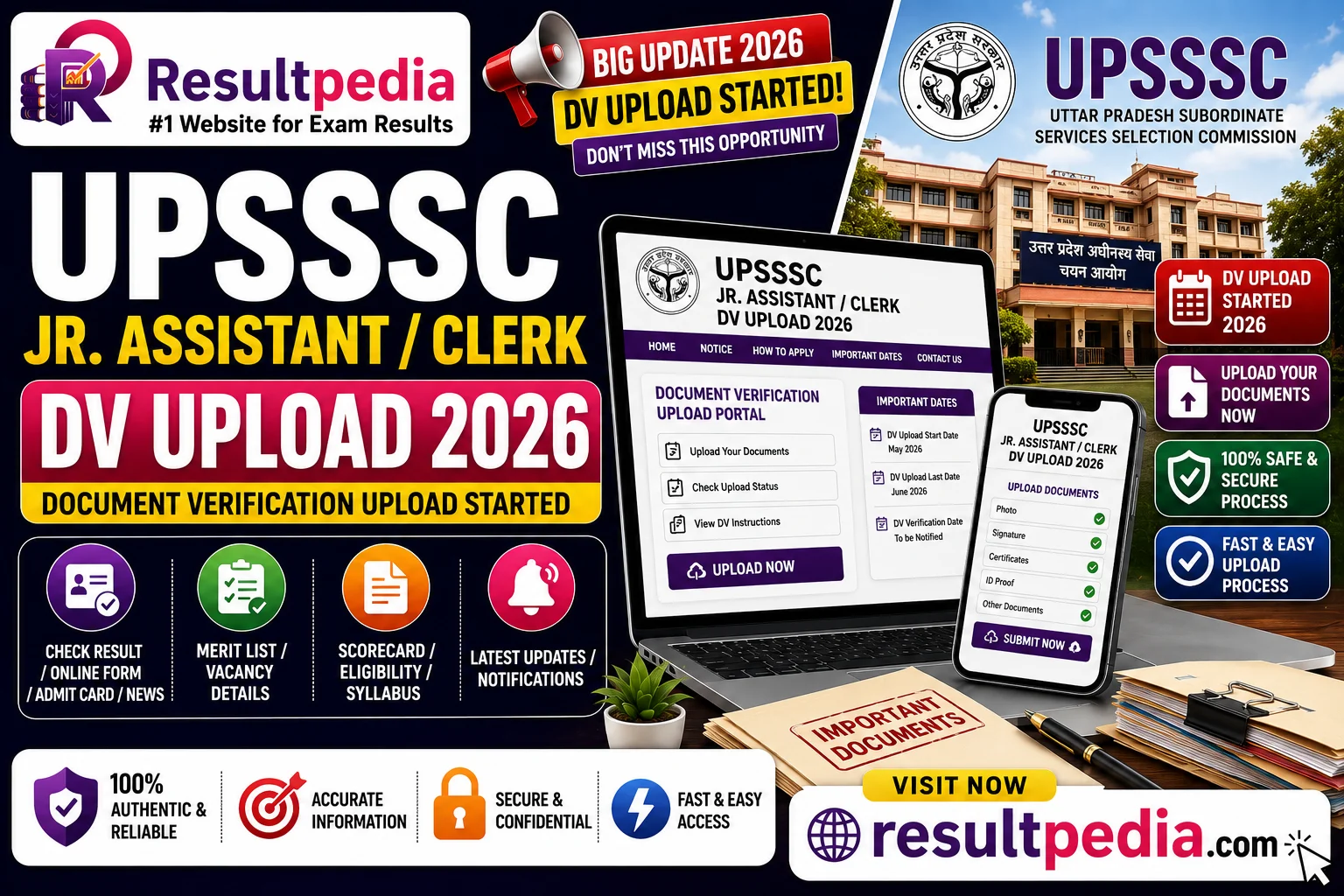
The Uttar Pradesh Subordinate Services Selection Commission (UPSSSC) has released the document-upload (DV) notice for the Junior Assistant / Clerk Grade-II recruitment at upsssc.gov.in. Shortlisted candidates must upload their original documents online before the deadline.
Who must upload documents
Only candidates who have been shortlisted after the written exam + typing test (PET) as per the UPSSSC cut-off. If your roll number is in the shortlist published with the DV notice, you must complete the document upload — otherwise your candidature lapses. Candidates not shortlisted do not act at this stage.
Never miss a Sarkari job againBe the first to know — new jobs, results & admit cards reach your phone the second they're out, before the last date slips by.